
Silent Hill: Townfall PC Stuttering and Camera Jitter Checks
Townfall hitching despite high FPS? Compare September 22 player reports, separate camera jitter from frame drops and test one change at a time.
Quick answer
PC players reported Townfall microstutters, camera jitter and sudden frame-rate drops on September 22, including on powerful GPUs. The reports do not establish one cause or a reliable universal fix. First identify whether the problem follows camera movement, a repeatable area transition or sustained low FPS; then compare the same scene with one setting changed.
On this page
- Reports checked
- September 22
- Scope
- Desktop PC
What the September 22 reports establish
One r/silenthill discussion includes several configurations and mixed experiences: some players describe persistent hitching, while another reports camera movement feeling wrong without the same severe performance loss. A separate technical-support post describes drops when entering areas or starting cutscenes. Its matching cross-post is one report, not a second independent test.
These are user observations, not a controlled benchmark. They do not establish that every PC is affected, that a particular GPU is faulty, or that a specific engine subsystem is responsible. A high average FPS figure alone also misses short interruptions.
Make a short comparison you can repeat
Use the same save, location and movement for each comparison. Note the game version, GPU driver, resolution, graphics preset and upscaling mode first. The following is a troubleshooting method, not a tested Townfall optimization preset.
- Stand still and rotate the camera. Then walk through the troublesome doorway or area transition. Record which action reproduces the hitch.
- For camera-only jitter, compare mouse and controller input if both are available. One player found mouse smoothing more comfortable; test that option only if it appears in your menu and revert it if it feels worse.
- For sustained low FPS, lower one available graphics setting or resolution and repeat the same route. Separate a higher average from whether the original hitch still happens.
- Repeat a transition once before judging it. Record whether it occurs on both passes; this observation can help a support report, but does not prove shader compilation or asset streaming is the cause.
When verifying Steam files is relevant
If missing content or crashes accompany the stutter, Steam’s documented file check can verify the installation. Close the game, restart the computer and open Steam. From Townfall in Library, choose Properties, then Installed Files, then Verify integrity of game files. Let the check finish before testing the same scene again.
This checks installed files; it is not evidence that Townfall’s frame pacing will improve. If the game is still locked before launch, use the early-access checks instead: a purchase entitlement issue is a different problem.
What to keep for a useful issue report
Include CPU and GPU models, RAM, storage type, resolution, preset, driver and game version, plus the exact location and action. State whether the issue also happens with the other input device, whether it repeats, and which single changes you compared. A short capture showing the interruption is more useful than an average FPS number alone.
No verified Townfall-specific patch fix was found in the sources checked for this update. We do not recommend an Engine.ini recipe or shader-cache deletion from another Silent Hill game as a proven remedy. If changes do not improve your repeatable example, restore your preferred settings and retain the comparison for support.
Common questions
Will a shader-cache size change definitely fix this?
No. The community discussion contains a cache-size suggestion later amended by its author to say it would not help based on the replies. That is not a validated Townfall fix.
Do the recommended PC specs guarantee smooth 60 fps?
No. The published desktop targets have their own resolution, preset and upscaling conditions. Use the requirements page for those conditions; it cannot predict your frame-time consistency.
REFERENCE RECORD
Sources used for this page
Related guides
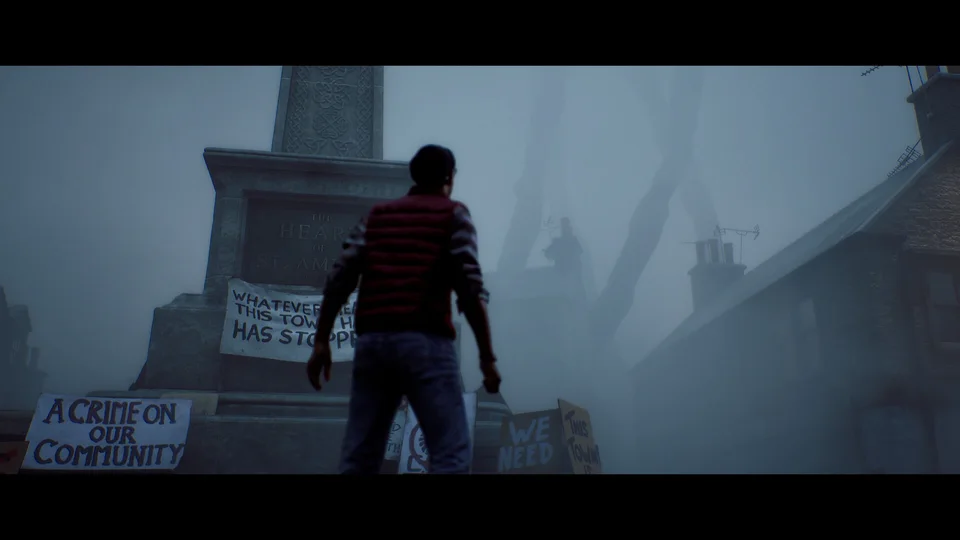
PC system requirements
Compare Townfall’s official minimum and recommended PC specs, including RAM, GPU, Windows 11, storage, and the conditions behind its 30 fps targets.
Read guideSteam Deck performance
See September 21 Steam Deck test results for Townfall, a reported low-settings starting point, and the stuttering limits to consider before buying.
Read guide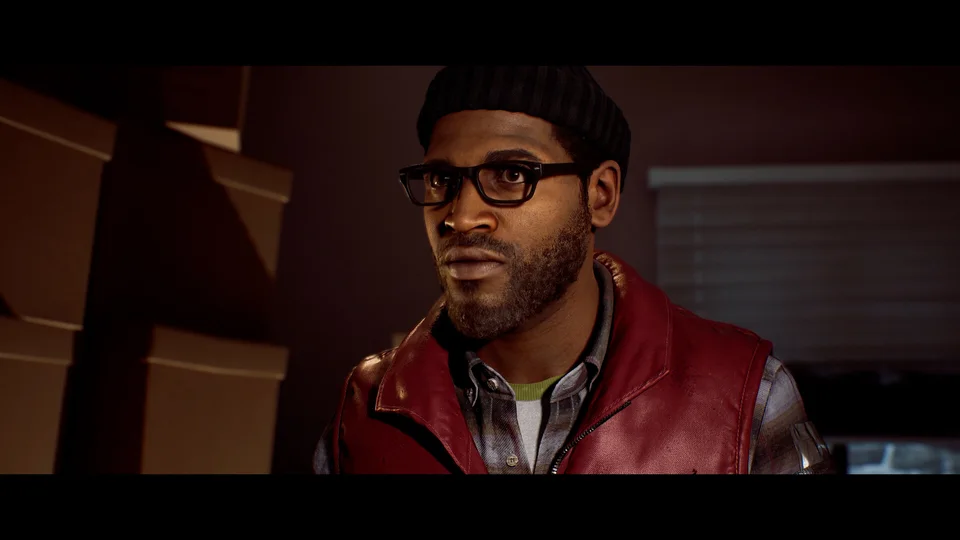
Black bars and aspect ratio
Why Townfall’s 2.35:1 presentation can show black bars on a 16:9 screen, how that differs from resolution, and what removal options remain unverified.
Read guide