Silent Hill: Townfall CRTV Guide
Learn what the CRTV does in Silent Hill: Townfall, how it reveals nearby threats and broadcasts, and which PS5 controls have been documented so far.
Quick answer
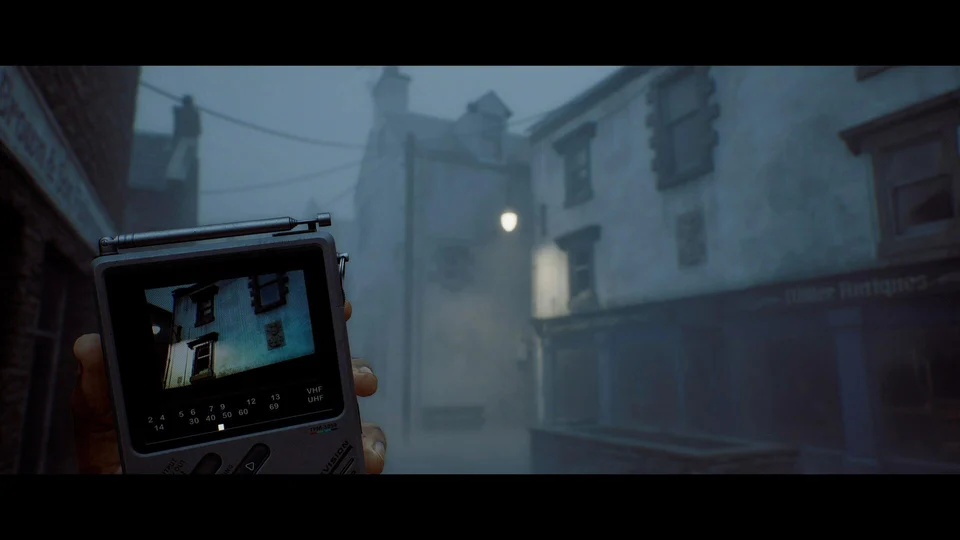
The CRTV is Simon’s handheld television. It helps locate nearby threats through the environment and receives broadcasts connected to St. Amelia’s story and puzzles. Bring it into view to investigate signals; on PS5, the published hands-on report identifies L1 as the control.
On this page
- Handheld television
- CRTV
- Raise it on PS5
- L1
- Threats and story clues
- Signals
Look for information before choosing a route
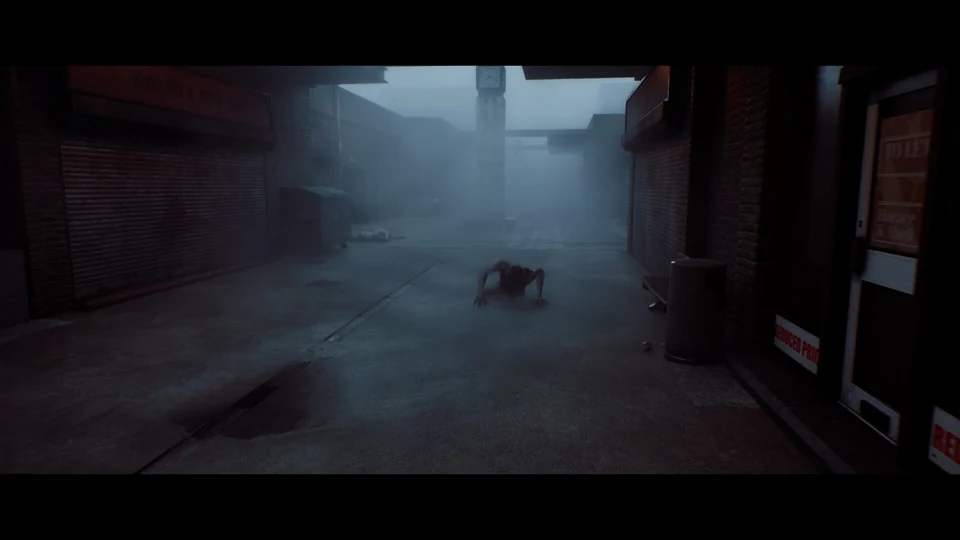
Screen Burn describes the CRTV as an evolution of the series’ radio: the screen adds information to the familiar warning of nearby danger. The useful question is what that information changes about your next move. If a passage looks clear but the device reveals a nearby threat, pause before stepping into it. A warning gives you a reason to inspect the surroundings; it does not tell you that an enemy can safely be attacked.
Use the screen alongside your surroundings
A sensible routine is to check the device, look at the space ahead, and then decide whether to move or observe from cover. This is a suggested way to use the revealed mechanics, not a tested route through a particular encounter. Keep these decisions separate:
- Find out whether something is nearby before choosing where to go.
- Look around available cover to understand the visible route.
- If a creature has noticed you, reconsider the route instead of assuming the warning alone will protect you.
Broadcasts are clues, too
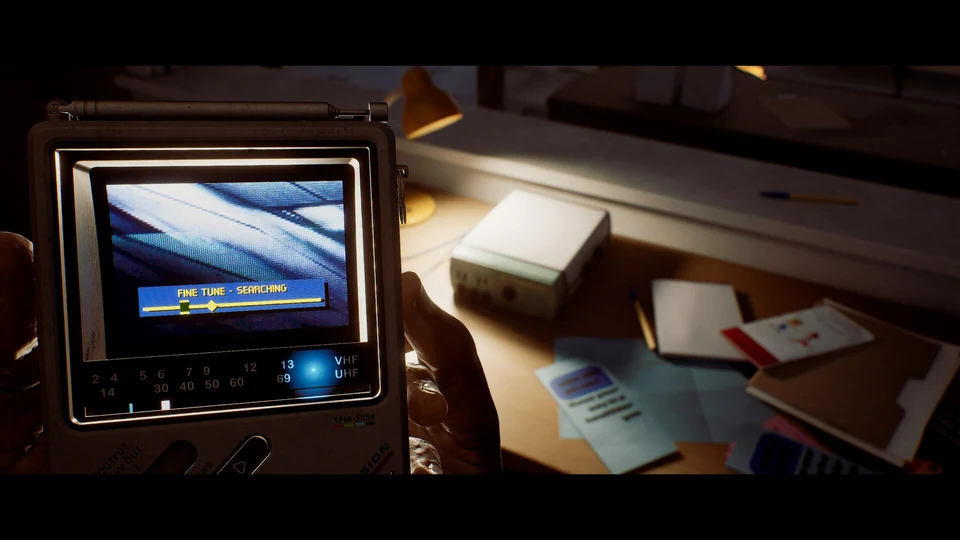
Not every signal concerns a creature. The developers also describe transmissions that reveal story information and help with challenges. When a broadcast draws your attention, consider what it says about the place or problem in front of you. Treat the device as something to investigate with, rather than checking it only when you expect an attack. A signal’s narrative meaning and its use in a puzzle may be connected.
Tuning and the PS5 controls
The September 21 PlayStation Blog hands-on identifies L1 for raising the CRTV. The June developer post also describes motion-controlled fine tuning: twisting the device can improve reception of weak signals. Those details come from PS5 coverage. They do not establish a keyboard binding, a universal frequency list, or the exact input sequence for every broadcast. Follow the control prompts shown in your version when interacting with the device.
Common questions
Is the CRTV just the old Silent Hill radio?
It builds on that idea, but its screen and broadcasts give it a more active role in investigation. It is a pocket television used for both threat information and story signals.
Does the CRTV provide every puzzle answer?
The developer says it can help with challenges, not that it replaces all observation or puzzle solving. No complete set of frequencies or solutions is established by the sources used here.
REFERENCE RECORD
Sources used for this page
Once you have located a threat, learn how to look around cover and break its line of sight.