
Silent Hill: Townfall PS5: Performance or Quality Mode?
Compare Townfall’s 60 fps Performance and 30 fps Quality targets on PS5, choose a mode for your play, and separate mode selection from unresolved frame drops.
Quick answer
Start with Performance if smoother turning and combat are your priority. Compare Quality if you prefer its presentation and are comfortable with a 30 fps target. The published targets are 60 fps and 30 fps respectively; neither promises a locked frame rate. Switching modes is a useful comparison, not a verified cure for every PS5 slowdown.
On this page
- Performance target
- 60 fps
- Quality target
- 30 fps
- Scope
- PS5 mode choice
Which mode should you try first?
PlayStation Blog’s July hands-on documents both modes. TechRadar’s September launch review confirms testing both on a standard PS5 and finding Performance smoother, with a brief choppy section. That supports trying it first for motion, but does not establish flawless performance on every console or in every scene.
| Your priority | Try first | What to compare |
|---|---|---|
| Turning, aiming and reacting in combat | Performance — 60 fps target | Pan the camera and move along the same short route. |
| Visual presentation at a lower frame-rate target | Quality — 30 fps target | Compare a detailed scene, then turn the camera before deciding. |
| Severe hitches or sudden slowdowns | Compare both modes | Check whether the same hitch occurs in the same location; do not assume a mode switch fixes it. |
Compare the modes without changing everything else
Our recommendation is to make a short comparison near a safe save point. A quiet view alone will not tell you how comfortable movement feels.
- Record your current mode and camera settings so you can restore them.
- Walk a short route and turn the camera in one mode, then repeat in the other.
- Keep field of view, motion blur and display settings unchanged during that comparison.
- Choose the result you prefer. If both suffer a sudden hitch at the same point, record that separately from the normal difference in motion between modes.
PS5 Slim frame drops: what is actually established?
A September 27 player reports severe PS5 Slim slowdowns persisting after a restart and a comparison of both modes. At the time checked, the post had no solution reply. This is a useful problem report, not proof that every Slim is affected or that one setting will repair it.
If the problem persists, note the console model, game version, mode, location and whether it happens again after loading the same save. A short recording of the repeatable scene is more useful for support than a claim that the entire game always runs at one frame rate. We have not verified a Townfall-specific PS5 fix and do not recommend starting a new game solely to test this symptom.
Keep Steam workarounds and PS5 settings separate
Annapurna’s current troubleshooting notice addresses Steam Input, AMD ray tracing and NVIDIA drivers on PC. It is not a PS5 performance-patch announcement. Do not translate those PC steps into console settings or treat the Steam patch investigation as confirmation that a PS5 fix has shipped.
Evidence and limits
Checked September 27, 2026. The mode targets come from PlayStation’s published hands-on; the launch review supplies a standard-PS5 experience, while the Slim report is community evidence. This site has not benchmarked base PS5, Slim or Pro. No native-resolution table, measured minimum frame rate or universal stability claim is inferred from those sources.
Common questions
Does Performance mode guarantee 60 fps?
No. It is the published target. A mode name and target do not establish a locked result in every scene, and launch reports include frame drops.
Does turning off Letterbox fix PS5 frame drops?
The verified Letterbox option changes the optional top and bottom framing. We have not established it as a performance fix. Use the black-bars guide if framing is the issue.
REFERENCE RECORD
Sources used for this page
Related guides
FOV and camera settings
Find Override Field of View, Head Bob, Motion Blur and Aim Dot in Townfall’s launch menus, with verified PS5 and PC FOV ranges and clear limits.
Read guide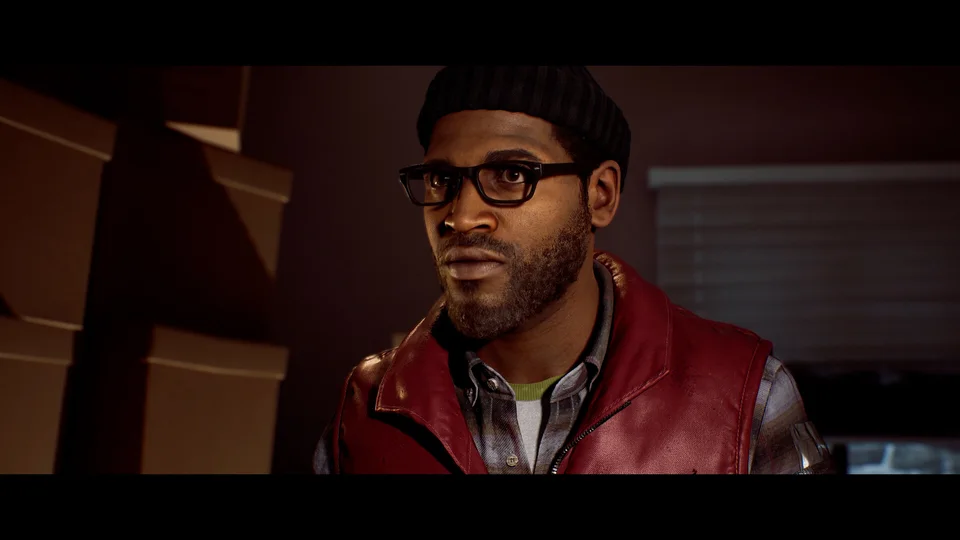
Turn off black bars
Remove optional top and bottom black bars with Display Options → Letterbox. See the verified PS5 menu steps and why ultrawide side borders are separate.
Read guide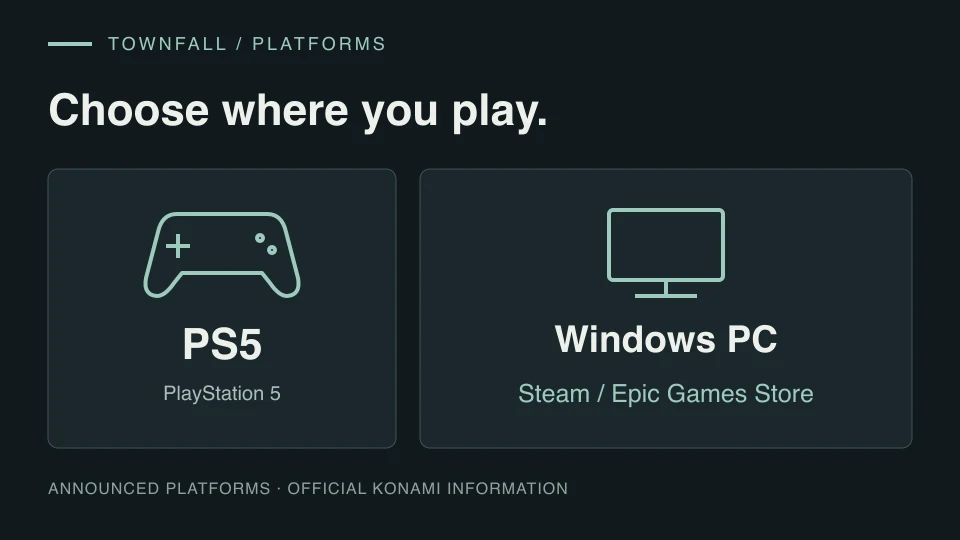
Platforms
Townfall is announced for PS5 and Windows PC through Steam and Epic. Check what is confirmed for Xbox, PS4, Switch and physical editions.
Read guide