Silent Hill: Townfall Black Bars and Aspect Ratio
Why Townfall’s 2.35:1 presentation can show black bars on a 16:9 screen, how that differs from resolution, and what removal options remain unverified.
Quick answer
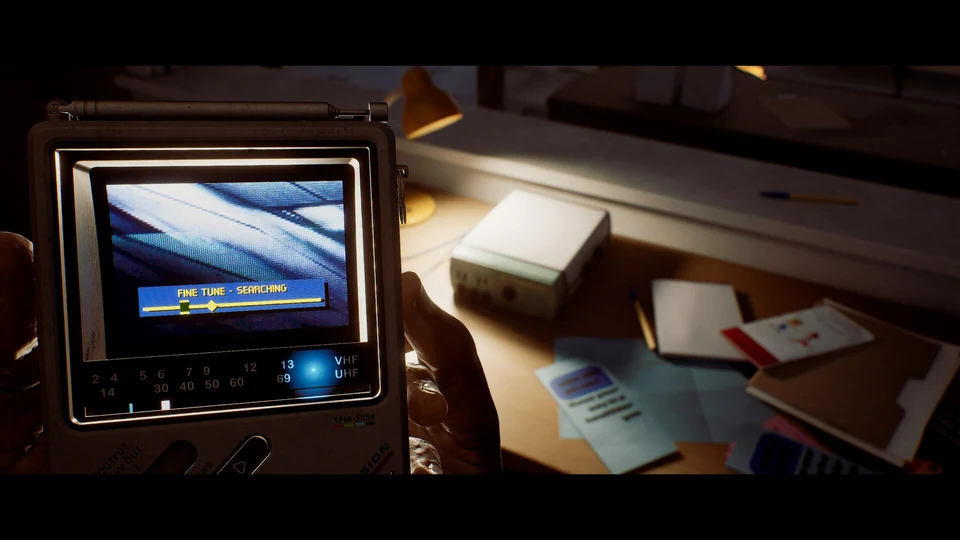
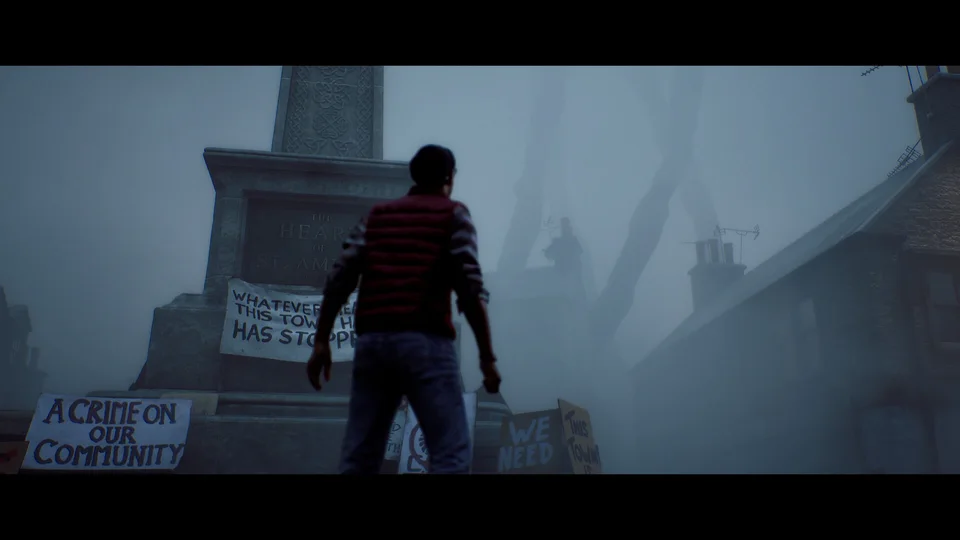
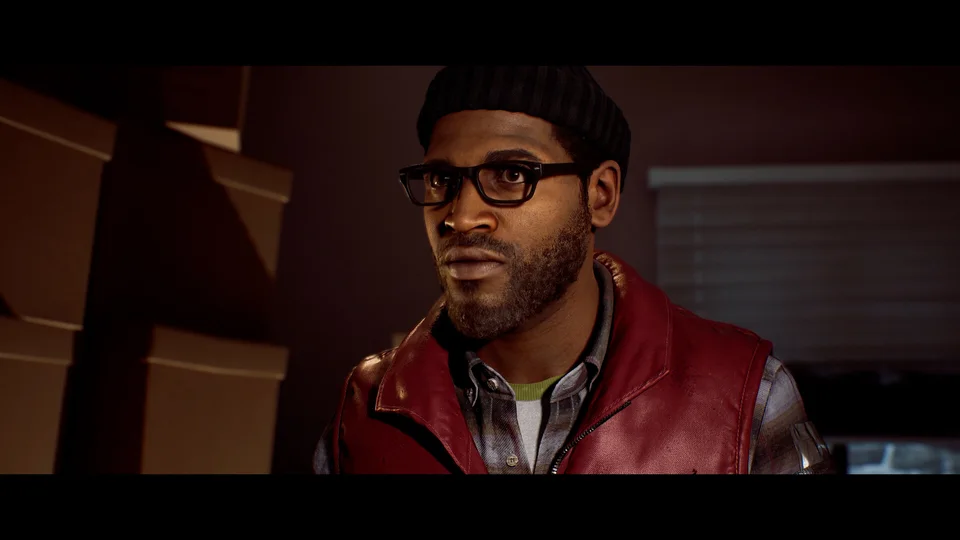
The black bars are consistent with Townfall’s cinematic 2.35:1 presentation, described in Phil Hornshaw’s September 21 PlayStation Blog hands-on. That image is wider than a 16:9 screen. The report does not establish a setting that removes the bars, so a working toggle or fix cannot be promised.
On this page
- Reported picture shape
- 2.35:1
- Remove-bars option
- Not verified
Why a wide picture leaves space above and below
Aspect ratio describes width relative to height. A 2.35:1 picture is wider than a 16:9 display, whose ratio is about 1.78:1. If the whole wide image fits across that display without distortion, it occupies less than the full height. The remaining space appears above and below it. This geometric explanation does not identify your exact output mode, but it explains why symmetrical horizontal bars can appear without indicating a broken monitor.
Resolution and aspect ratio answer different questions
Resolution counts pixels; aspect ratio describes the shape of the image. Choosing a sharper output does not by itself change the shape of a cinematic frame. Likewise, a published 1080p or 4K performance target does not guarantee that every pixel of a 16:9 display contains scene detail. Compare image clarity and frame shape separately when judging a screenshot or deciding whether a display setting has helped.
Distinguish letterboxing from a display problem
First check whether the entire game image is visible and whether the bars are symmetrical. Then compare what you see with the framing in official footage. Uneven borders, missing interface elements, or an image extending beyond the screen suggest a different question from ordinary wide framing. On a television, review the set’s picture-size controls if content is cut off; do not assume that the game’s letterboxing is the cause of every display issue.
Avoid confusing a stretched image with a fix
A display may offer zoom or stretch controls, but these can crop the picture or change proportions. Filling the panel is not the same as restoring missing game content. Before applying a modification or a claimed console command, look for evidence that it works on your platform and version. This page does not supply an untested launch option, file edit, ultrawide workaround, or field-of-view value.
Common questions
Can I turn the black bars off?
The cited hands-on does not document such an option. Check the actual version’s display menu before relying on a claimed toggle; the available evidence here cannot confirm one.
Does 2.35:1 confirm ultrawide monitor support?
No. A reported composition ratio does not establish supported monitor modes, interface placement, or whether another display ratio uses additional borders. Those require platform-specific evidence.
REFERENCE RECORD
Sources used for this page
Explore the first-person design behind Townfall’s view of St. Amelia.