
Silent Hill: Townfall Can't Draw Weapon: Plank Checks
Plank still in your inventory but unavailable? Try the reported D-pad equip control, check for a broken weapon, and separate quick-slot icons from usable items.
Quick answer
If your plank is still usable but Simon will not draw it, try Down on the D-pad with a controller. Players in two launch discussions report using this to re-equip it, including after dying. Also check the full inventory: one PS5 player found the plank had broken while its quick-item entry remained visible. These are community checks, not an official fix for every weapon problem.
On this page
Check the inventory before assuming the weapon vanished
Open the full inventory and check whether the plank is actually present and has durability remaining. A quick-item icon alone is not enough: the PS5 player who started the “Can’t draw weapon?” discussion later reported a broken plank visible in quick items but absent from the inventory.
Melee weapons can wear out. PlayStation’s July hands-on report describes makeshift clubs lasting only a few battles; it does not provide an exact hit count for the launch build. If your plank is gone, look for another usable weapon rather than repeating the equip input.
Re-equip a usable plank with your current controls
For a controller, test Down on the D-pad first. The separate “Melee combat bug” discussion includes several players who had trouble drawing a plank, including after death, and identified this input as the answer. A PC player using an Xbox controller independently reports the same control. If you remapped controls, follow your own binding.
- Check the difference between drawing and putting away a weapon. One controller player reports that the Square-equivalent hold puts the plank away, while D-pad Down draws it.
- On mouse and keyboard, inspect your weapon-selection binding. One September 25 reply reports re-equipping with the mouse wheel after a cutscene; that is a single report, not a verified universal PC binding.
- Test whether the weapon appears in Simon’s hands before returning to an encounter. Do not judge only by the inventory icon.
Separate an equip problem from repeated controller input
If each press also skips menu choices or makes Simon crouch and immediately stand, that is a different symptom. The Steam PC controller guide covers a reversible per-game Steam Input comparison. It does not apply a Steam setting to PS5 consoles.
If a usable weapon still will not draw
Record the platform, controller or keyboard setup, current binding and whether it began after death, a cutscene or manually putting the weapon away. Note whether the plank appears in the full inventory and whether another usable weapon can be equipped. That distinguishes a control misunderstanding from a reproducible equipment fault.
The original melee discussion reports that swapping to another plank restored access, but this has not been established as a universal repair. We have no confirmed patch that fixes every draw failure. These checks reflect launch reports reviewed September 25, 2026.
Common questions
Why can I see the plank but not attack or block?
It may be unequipped, or the visible entry may be a quick-item icon for a broken weapon. Compare the full inventory with the quick menu, then test the equip binding. Those two situations appear in separate player reports.
Does holding Square always draw the plank?
Do not assume so. A controller player reports that the hold puts the plank away and D-pad Down draws it. Check the action label and your bindings; prompts can depend on the equipped item.
REFERENCE RECORD
Sources used for this page
Related guides
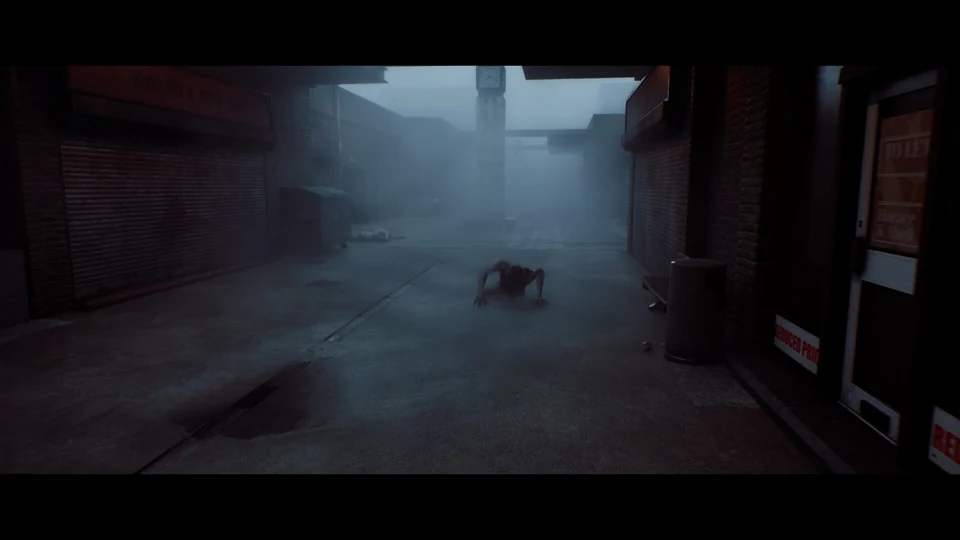
Combat, weapons and blocking
Yes, Townfall has melee weapons and guns. Learn how blocking, weapon breakage and noise affect fights, when to evade and how to lower combat difficulty.
Read guideController double input
Fix Townfall controller double inputs with Annapurna’s official per-game Steam Input advice. Check skipped menu items, repeated phone digits and crouch toggles.
Read guide
Stealth and hiding
Learn the documented PS5 crouch and peek controls, why breaking line of sight matters, and what can go wrong when hiding in Silent Hill: Townfall.
Read guide